
Learn the VFR navlog by hand.
NavLog Pro is an iPhone and iPad app for student pilots. Plan a cross-country, then fill in the paper navlog one column at a time with a crew that explains every number.
Out now on the App Store for iPhone and iPad. Requires iOS 17 or later.






From route to checkride
Four steps, each led by a member of the crew.
 Plan · The Controller
Route and checkpoints
Pick a departure and destination from US airports, see the route over the FAA sectional chart, and get checkpoints with the reason each one was picked.
 Brief · The Briefer
Winds and altitude
Pull forecast winds aloft for your departure time or type them in from your briefing, then get a cruise altitude suggestion that explains terrain, airspace and direction of flight.
 Learn · The Instructor
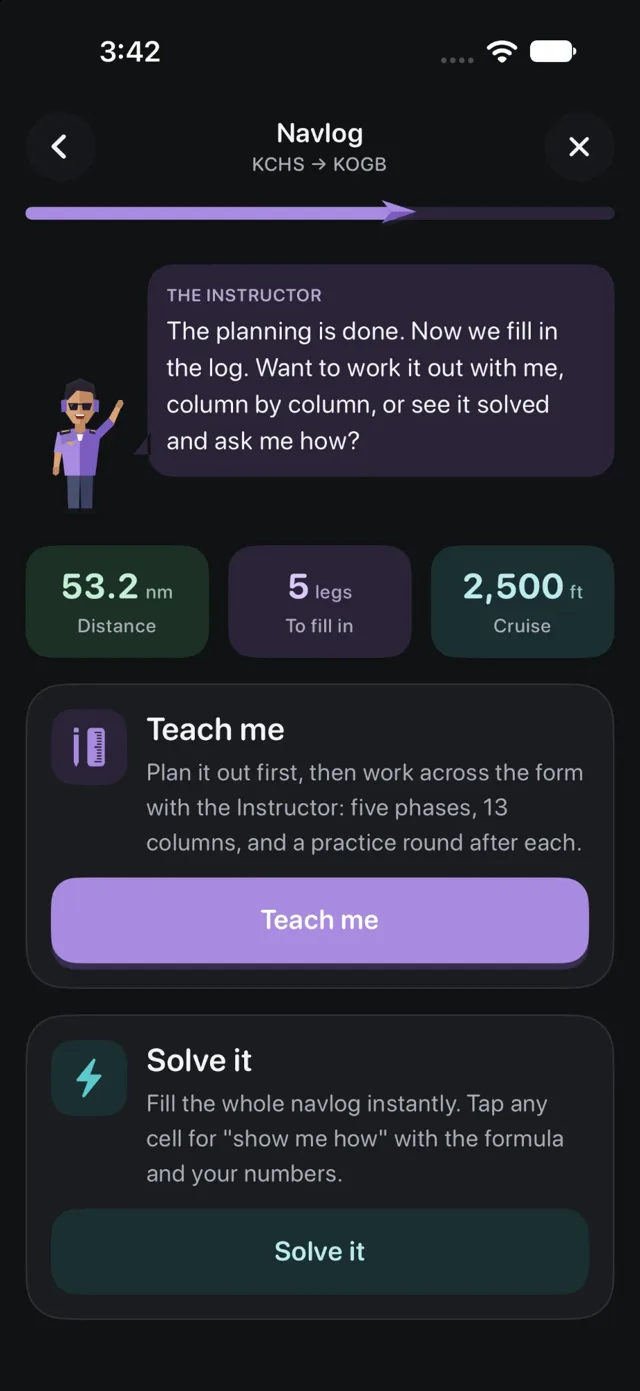
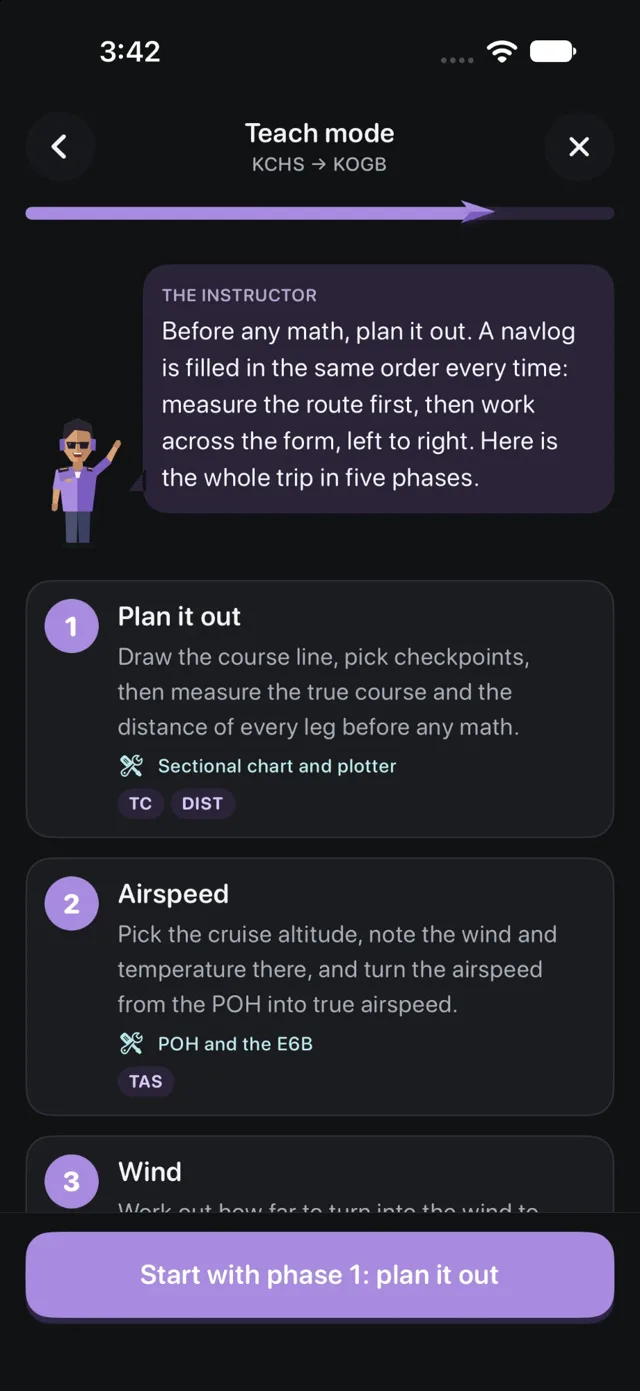
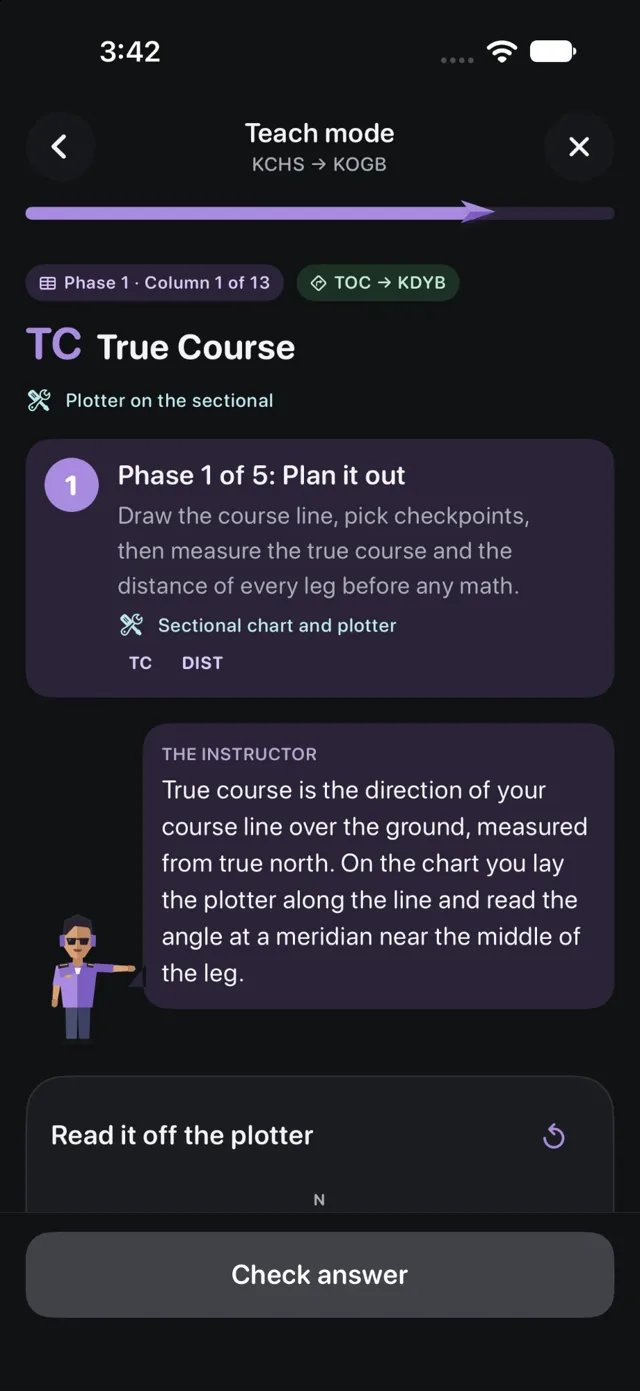
Teach mode
Work through all 13 columns: true course, wind correction, variation, deviation, headings, groundspeed, time and fuel. Wrong answers get a hint that names the mistake.
 Check · The Examiner
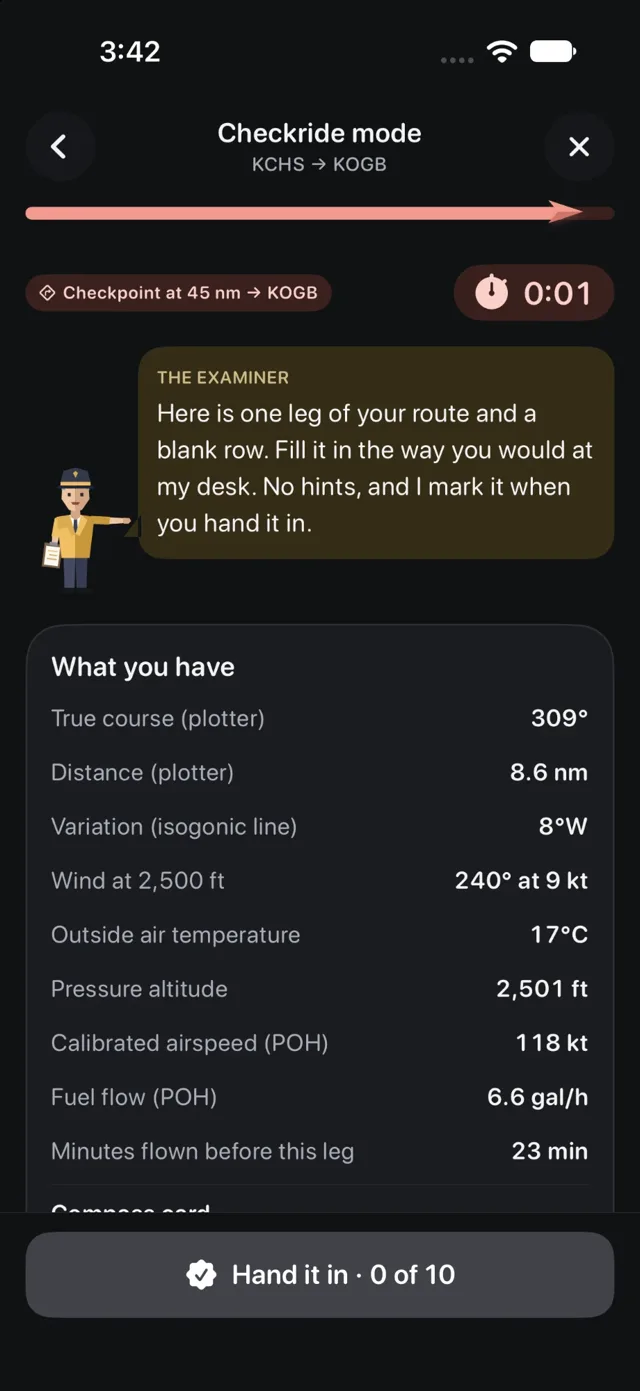
Quiz and kneeboard PDF
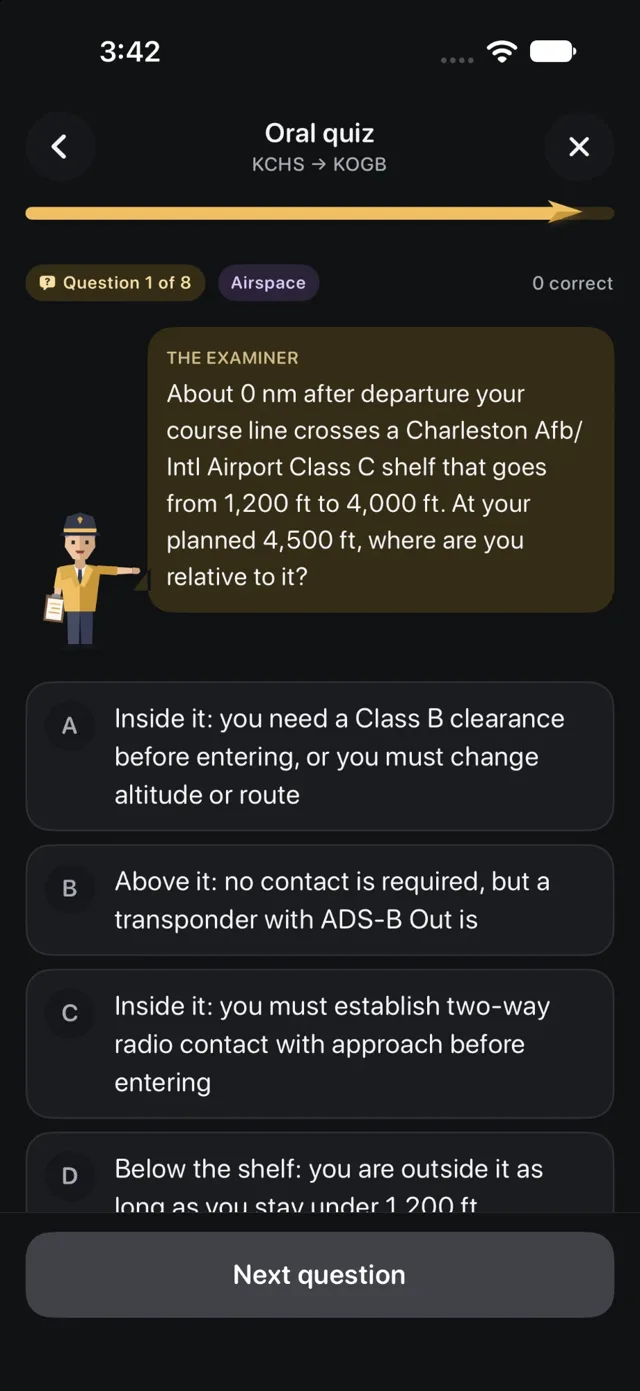
Answer checkride-style questions about your own route, then print the finished navlog, or a blank form to practice on paper.
Inside the app
Plan the route, learn each column, then prove it to the Examiner.
An E6B in your pocket
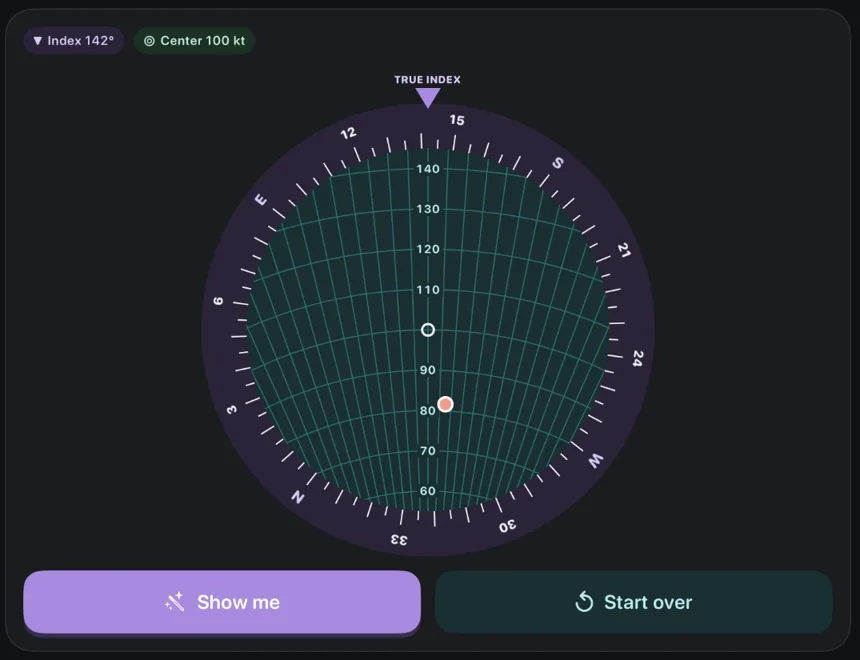
A flight computer built in, in both forms: the calculator and the whiz wheel.
- Wind, true airspeed, time, speed, distance, fuel, runway wind and conversions
- A whiz wheel you turn and slide with your finger, like the real one
- The Instructor walks you through each step, or shows you how
Take it to the airplane
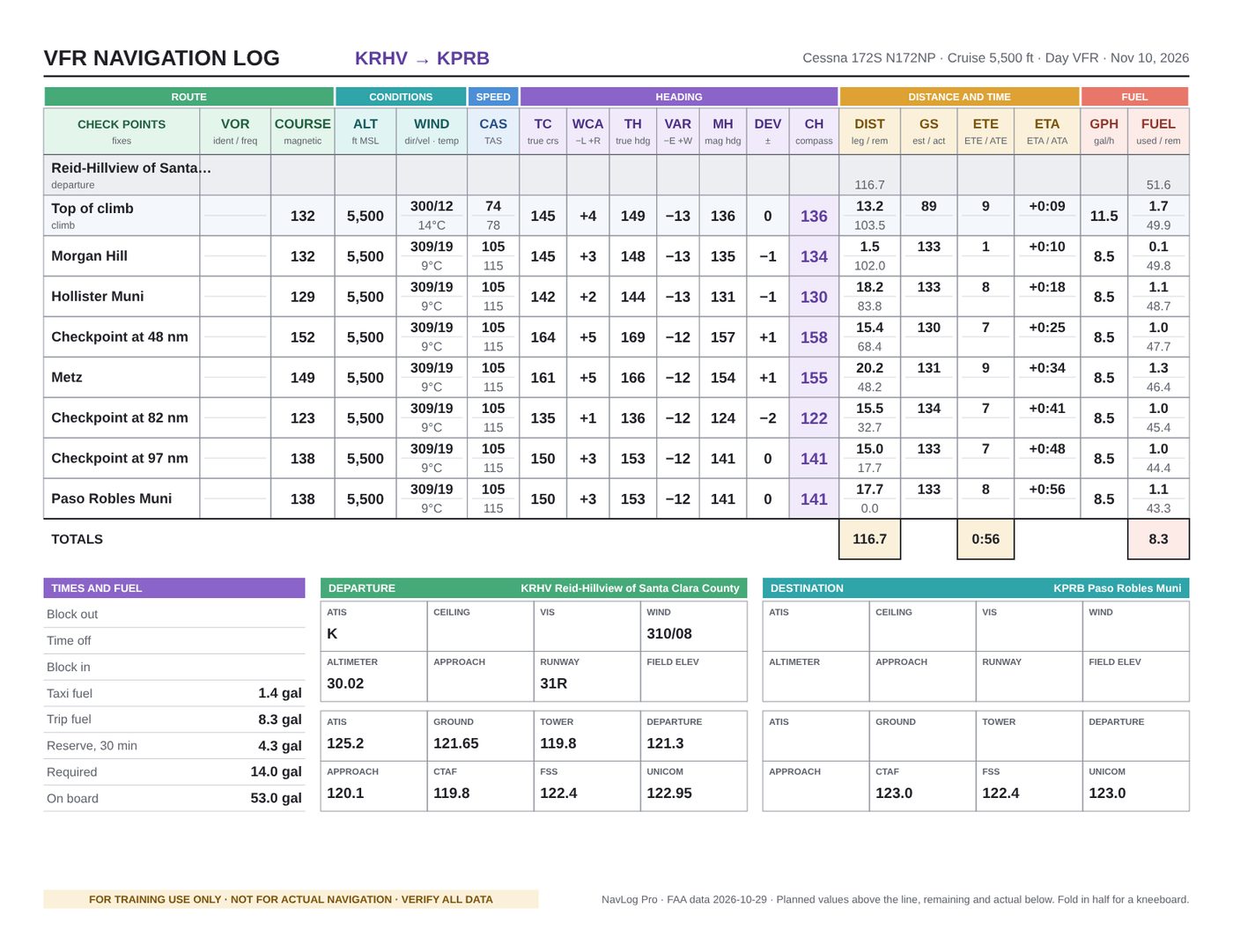
Export the finished navlog as a kneeboard PDF, in the layout your instructor already knows.
- Planned values above the line, room for actuals below
- Frequencies, airport advisories and fuel totals on the same sheet
- A blank form to print and fill in by hand, free
Free and Pro

Planning and your first lesson are free. NavLog Pro unlocks the rest.
| Feature | Free | Pro |
|---|---|---|
| Route planning, checkpoints, winds and altitude advice | Included | Included |
| E6B calculator | Included | Included |
| Print a blank navlog | Included | Included |
| Teach mode | First lesson | Every route |
| Solved navlog with each number explained | First line | Every line |
| E6B whiz wheel | Not included | Included |
| Checkride mode | Not included | Included |
| Examiner's oral quiz | Not included | Included |
| Kneeboard PDF export | Not included | Included |
Start with a free lesson
Plan a route and work your first navlog before you pay anything.
NavLog Pro is offered as monthly and yearly auto-renewing subscriptions and as a one-time lifetime purchase. Prices are shown in the app before you buy. Payment is charged to your Apple Account. Subscriptions renew automatically unless canceled at least 24 hours before the end of the current period; manage or cancel in Settings. See the Terms of Use and Privacy Policy.